 DWARVES
Revit-style modelling
Walls up to the next level, project-wide types, doors and windows that cut their walls, ceilings, railings and free-form components.
BIM for Windows
Dwarves BIM lets you model walls, floors, roofs, structure and MEP, and get plans, elevations, sections and print-ready sheets from one model — smooth even at 200,000 elements.
Version 0.9.0-beta.1 • Windows 10/11 64-bit • No credit card
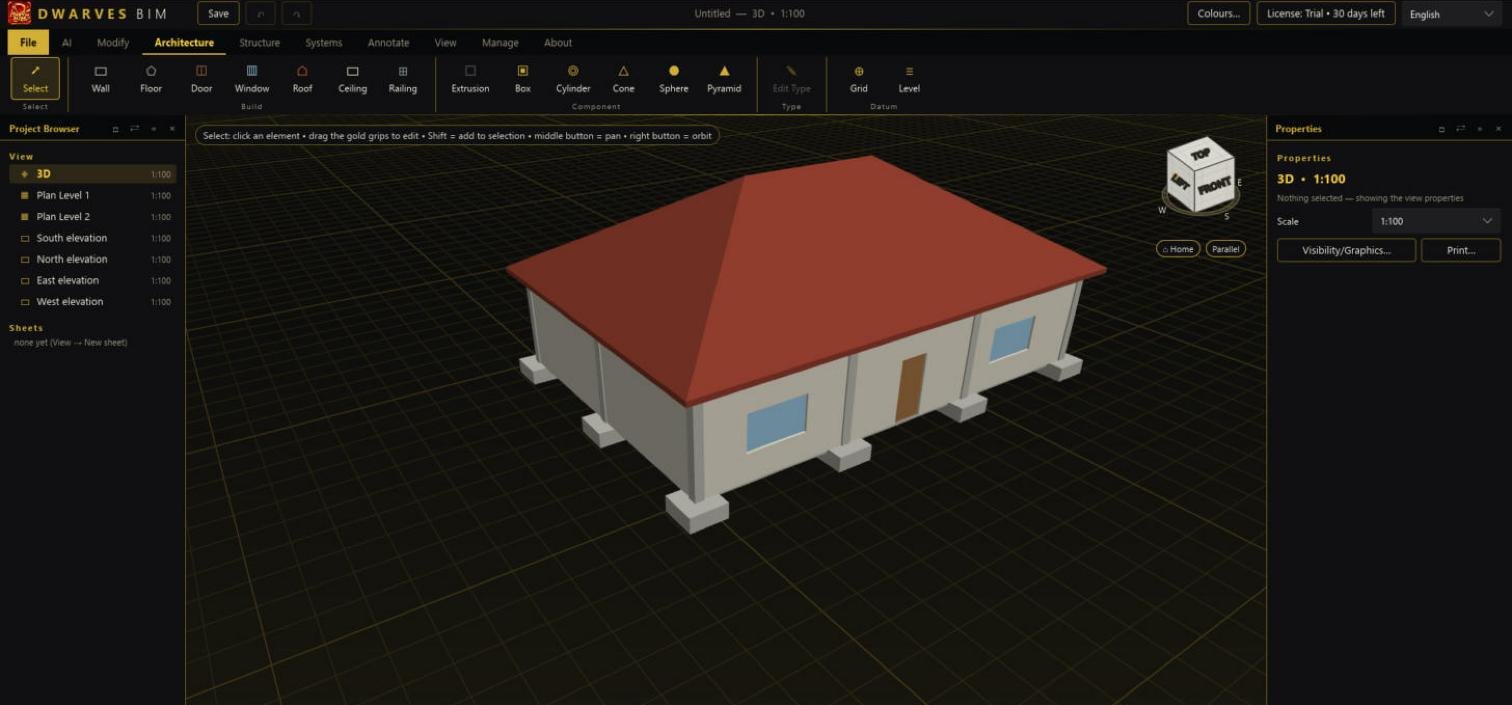
Walls up to the next level, project-wide types, doors and windows that cut their walls, ceilings, railings and free-form components.
Plans, elevations, sections, 3D section box, editable dimensions, tags, line styles and sheets ready for PDF.
Smooth at 200,000 elements on a GTX 1650; copy, move and rotate the whole model without freezing.
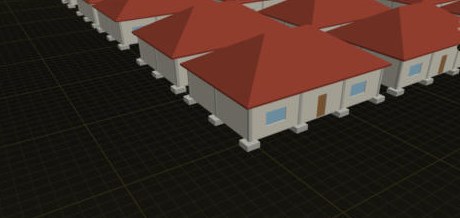
A 150 m² house with columns, beams, slab, walls, doors, windows, footings, roof and steel roof framing, copied into more than 3,000 houses — the program stays responsive.
30 days with every feature, no credit card. Sign in with your e-mail from inside the program; one trial per e-mail and per computer.
Windows 10 or 11, 64-bit. For large models (around 200,000 elements) a dedicated GPU such as a GTX 1650 and 16 GB of RAM are recommended.
Yes: export open-standard IFC4 (schema-validated with IfcOpenShell), and print or export drawings to PDF.
No. You need the internet only to sign in for the trial; purchased licences activate offline.
Yes, English and Thai; switch instantly from the top-right corner.
No. Projects stay on your computer. The optional AI assistant runs with your own API key.